Deployment Scenarios

Reference deployments for the most common public-network radio jobs.

Each scenario below is a reference configuration — terminal mix, platform setup and the operational problem it solves. The figures are illustrative; your own deployment is configured during onboarding.

🚚

Logistics & Fleets

Reference configuration

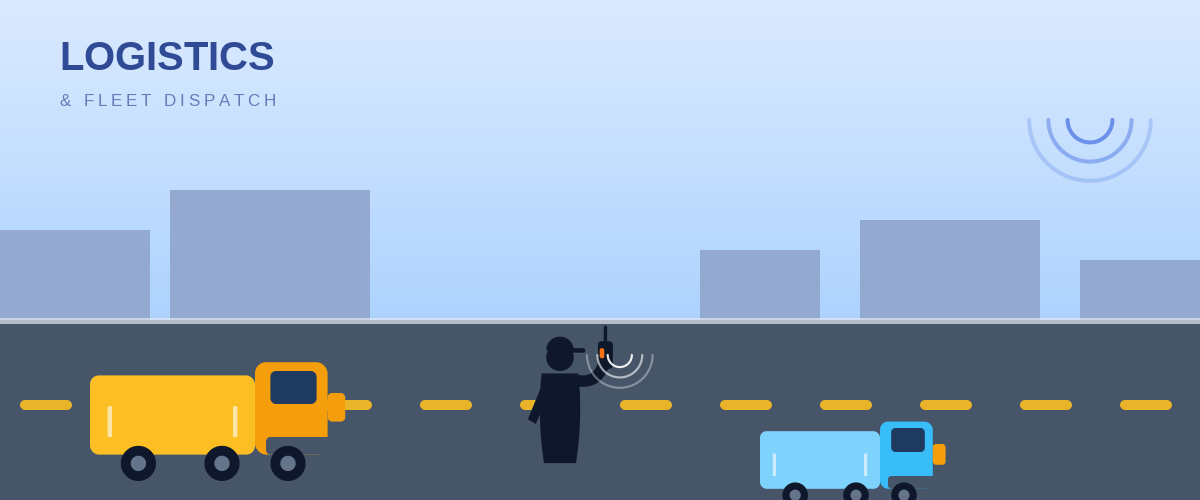
Instant driver dispatch and GPS tracking for delivery fleets and long-haul trucks.

Deployment scale
120 terminals · 6 talk groups · 4 geofences
Terminal mix
40 × PoC Locator · 80 × PoC Vehicle
Platform configuration
Fleet tracking with speed alerts, ignition sensing, group PTT for depot and drivers, 5-level priority for dispatchers

Discuss a similar setup →
🛡️

Security & Patrol

Reference configuration

Always-on patrol communications for property, events and public safety teams.

Deployment scale
45 terminals · 9 talk groups · 2 alert rules
Terminal mix
45 × PoC Flagship (IMU fall detection + NFC check-in)
Platform configuration
Automatic fall alarms with a 30 s cancel window, NFC patrol check-in, geofence exit alerts, live track playback for incident review
Discuss a similar setup →
☁️

NexComm Cloud Dispatch Platform

Reference configuration

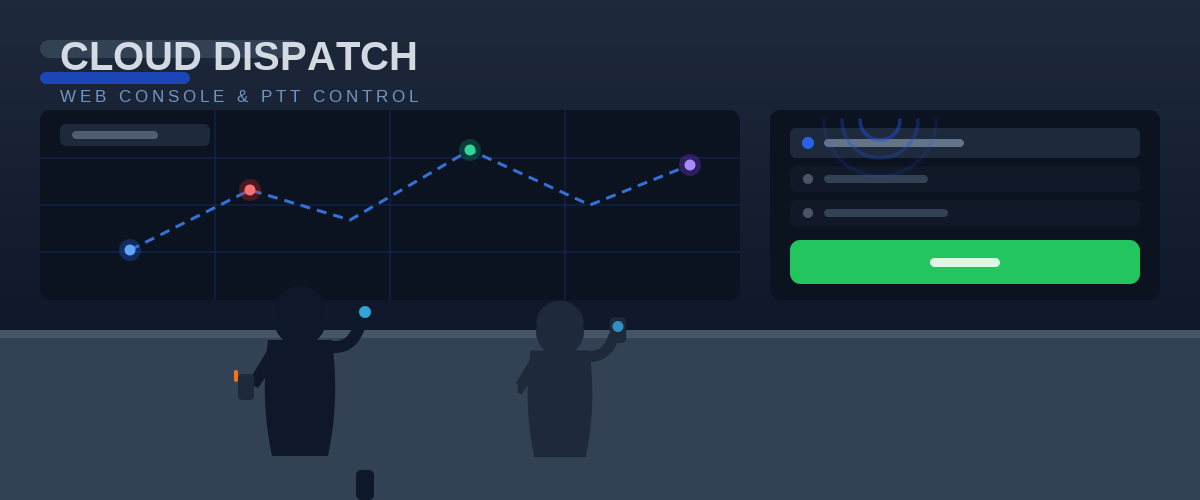
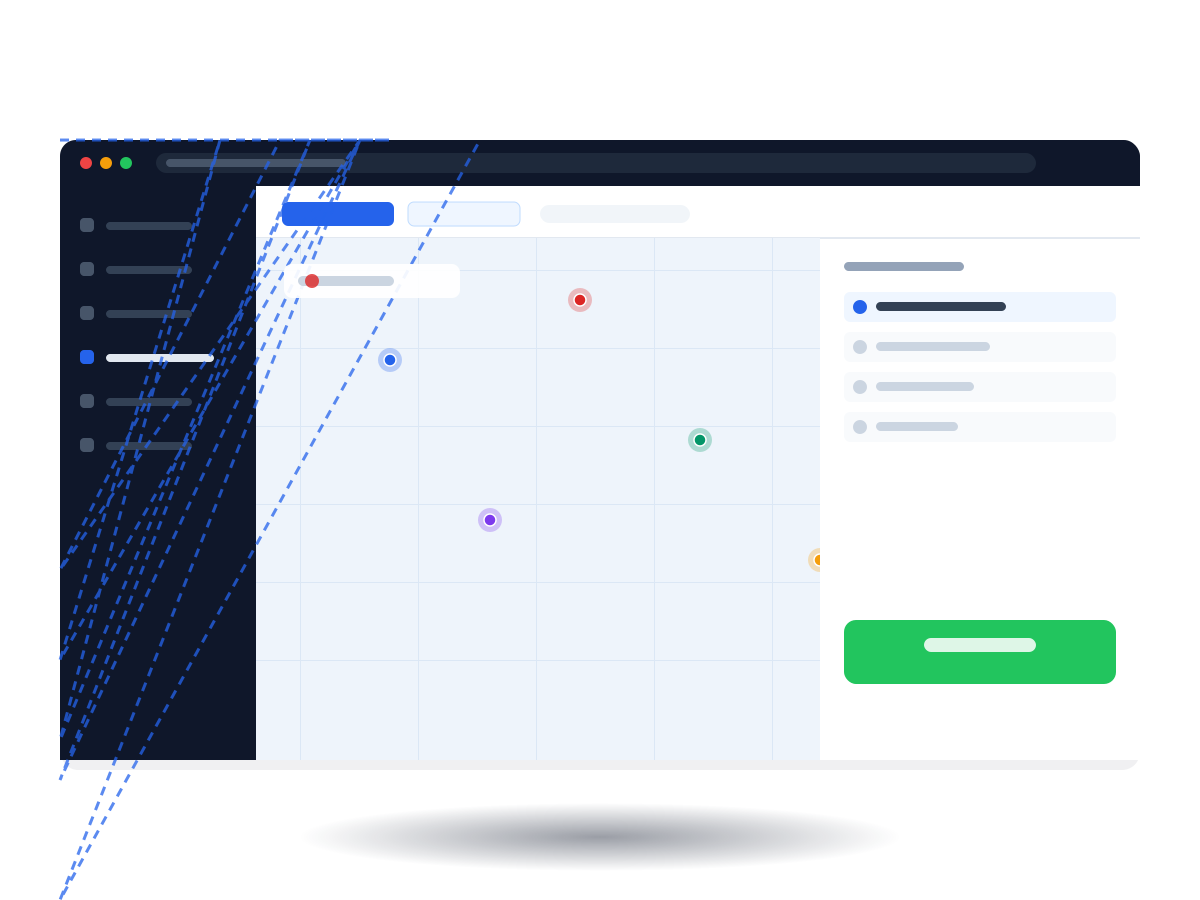
The software half of the solution: a browser-based dispatch console with live GIS mapping, five-level PTT priority, geofencing, track playback, an alarm centre, OTA fleet management, AI voice translation and multi-tenant billing.

Deployment scale
10 seats · 3 role levels · 4 groups
Terminal mix
Web console only — no terminals required for the pilot
Platform configuration
Live GIS map, five-level PTT priority, voice recording, OTA firmware push and a multi-tenant setup for a distributor running several customers
Discuss a similar setup →

Console walkthrough

01

Create the groups

Import the talk groups your operation actually runs — depot, drivers, supervisors — each with its own membership and priority.

02

Push the terminals

Terminals register over MQTT with their model and capabilities; the console recognises them and places them in the right group automatically.

03

Set the rules

Geofences, fall-detection sensitivity, SOS routing and recording rules are configured once and applied across the fleet.

04

Dispatch and review

Dispatchers reach any group from the console, and every call, track and alarm stays available for review afterwards.

NexComm Cloud Dispatch Platform

Discuss a similar setup

Send us the fleet size, the countries and the scenario. We come back with a terminal mix, a platform configuration and a quotation.